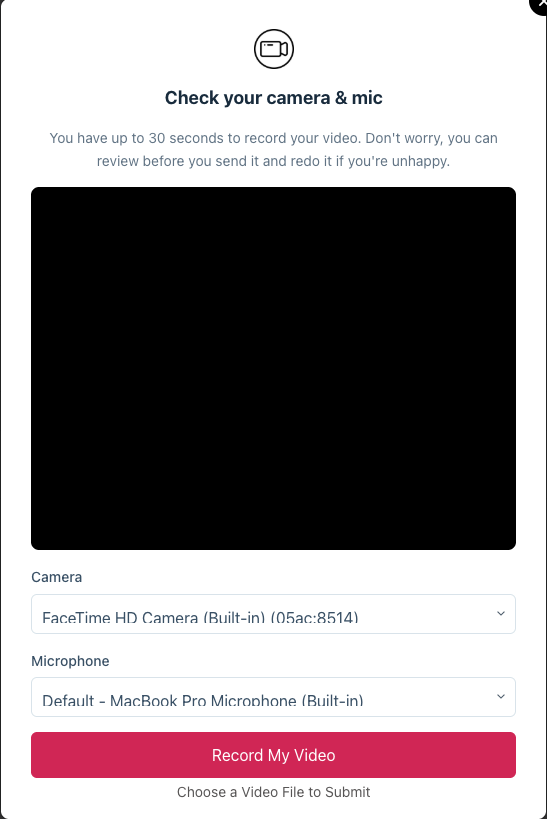
With the help of this addon, you can start collecting video testimonials for your website in an easy and user-friendly manner.
What you need to use this addon
In order to use the Video Testimonials addon, you will need:
- Strong Testimonials Lite/Free.
- Strong Testimonials Pro
- an active Business plan license key.
How to enable this for your form
After enabling the addon from the Extensions section, you will also need to activate this functionality from the actual testimonials collection form settings.
Head over to Testimonials > Form > Settings, scroll down to the Actions section, and enable the Video Testimonial option.
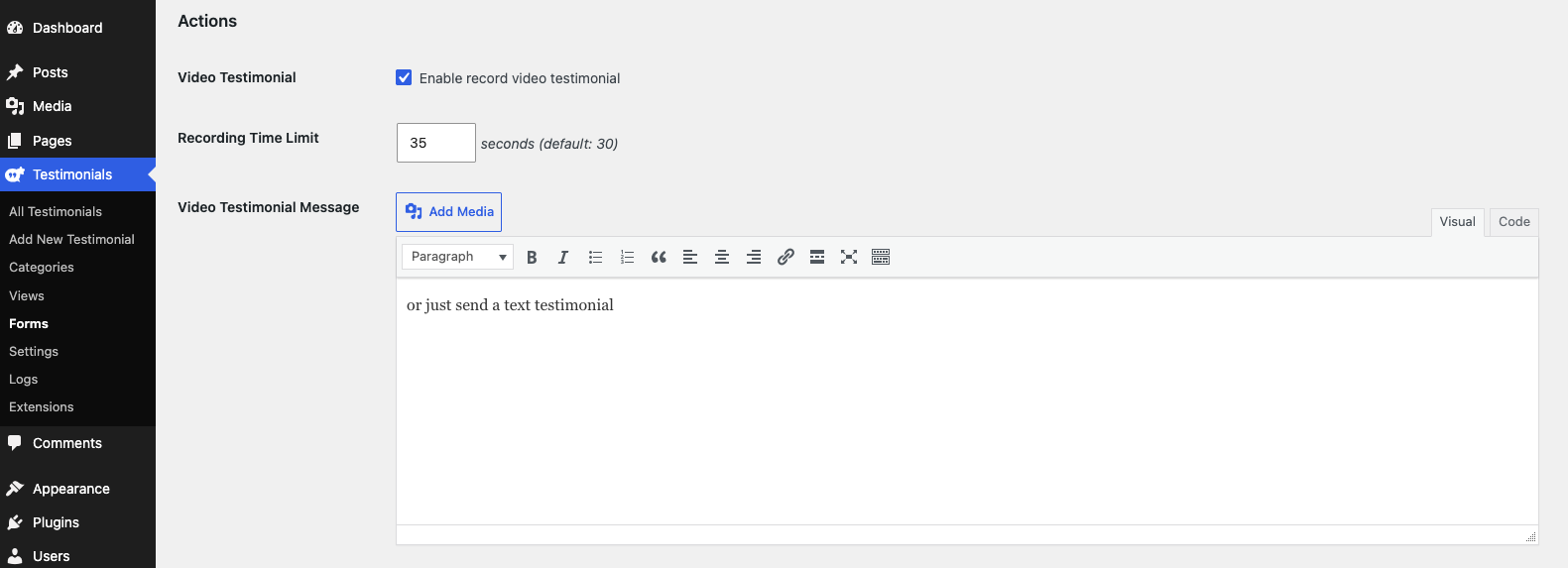
You can also control the recording time limit and the message displayed in the front-end form.
How to display your video testimonials
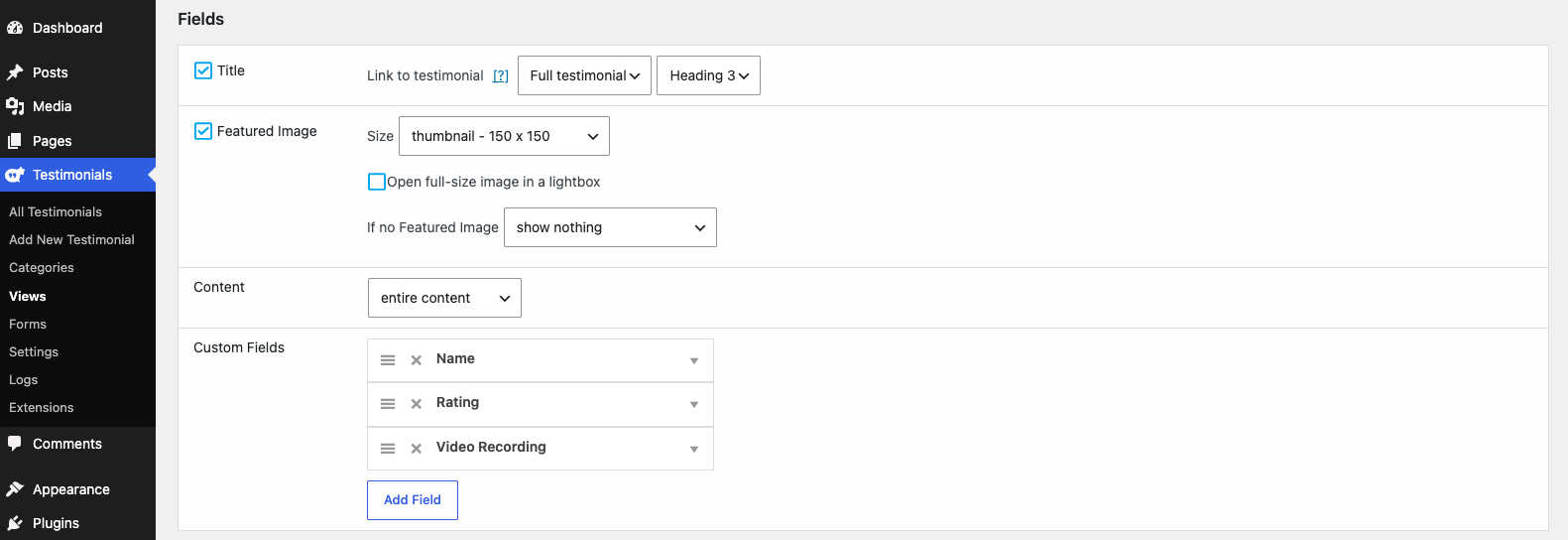
This is done through the default listing views available in Strong Testimonials.
You will need to make sure that the Video field is added in the Custom fields section of the view configuration.
Front-end view
In the front-end, the form will provide a new option to record a video testimonial, or upload a pre-recorded video.