
You can change the information on the Single Testimonial Page from the view specifically created for that page. When installing Strong Testimonials, you will have a set of predefined views created for you: Single Template, Testimonials Display, and Testimonials Collection Form.
These will cover all the functionality required to start collecting and displaying testimonials on your website.
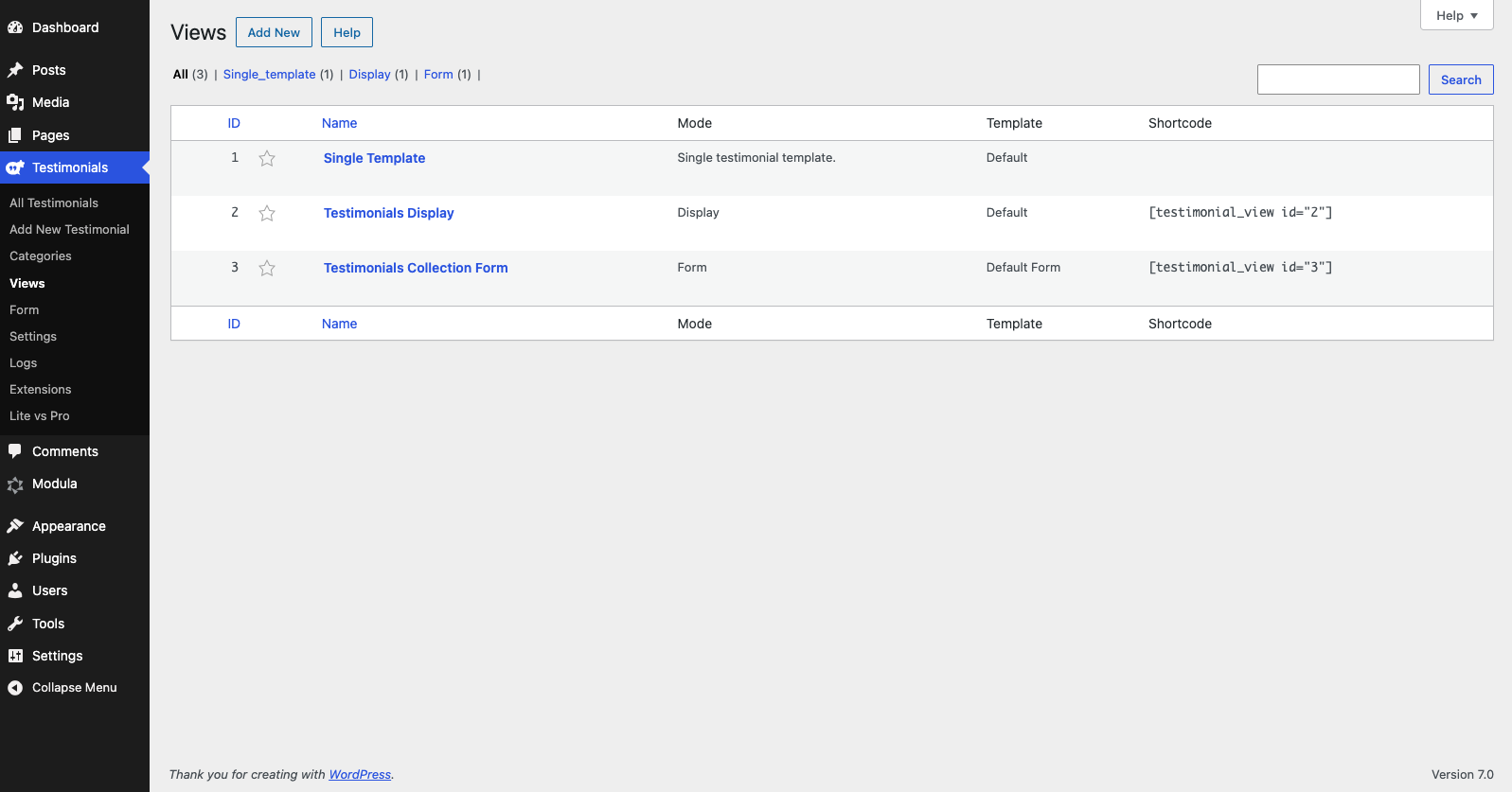
Just edit the Single Template view and start adjusting this based on your needs.
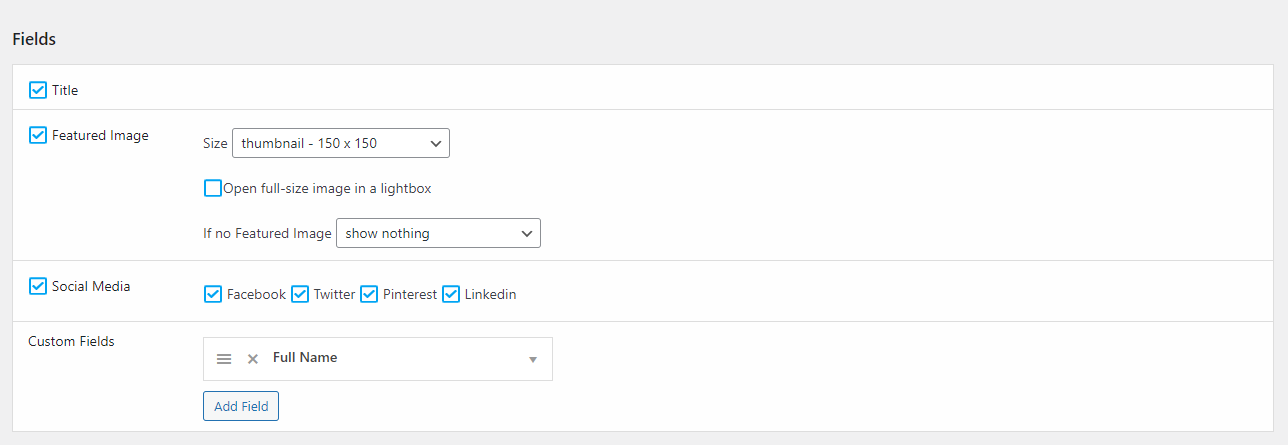
In the Fields section, you can choose the following options:
- Title- enable it if you want to display the title of your testimonial,
- Featured image- enable it if you want to display the featured image of the testimonial. You can also choose its size and what to show if there is no featured image.
- Social Media- you have the option to show social media icons such as Facebook, Twitter, Pinterest, Linkedin
- Custom Fields- it lets you set what fields are shown in your single testimonial page.
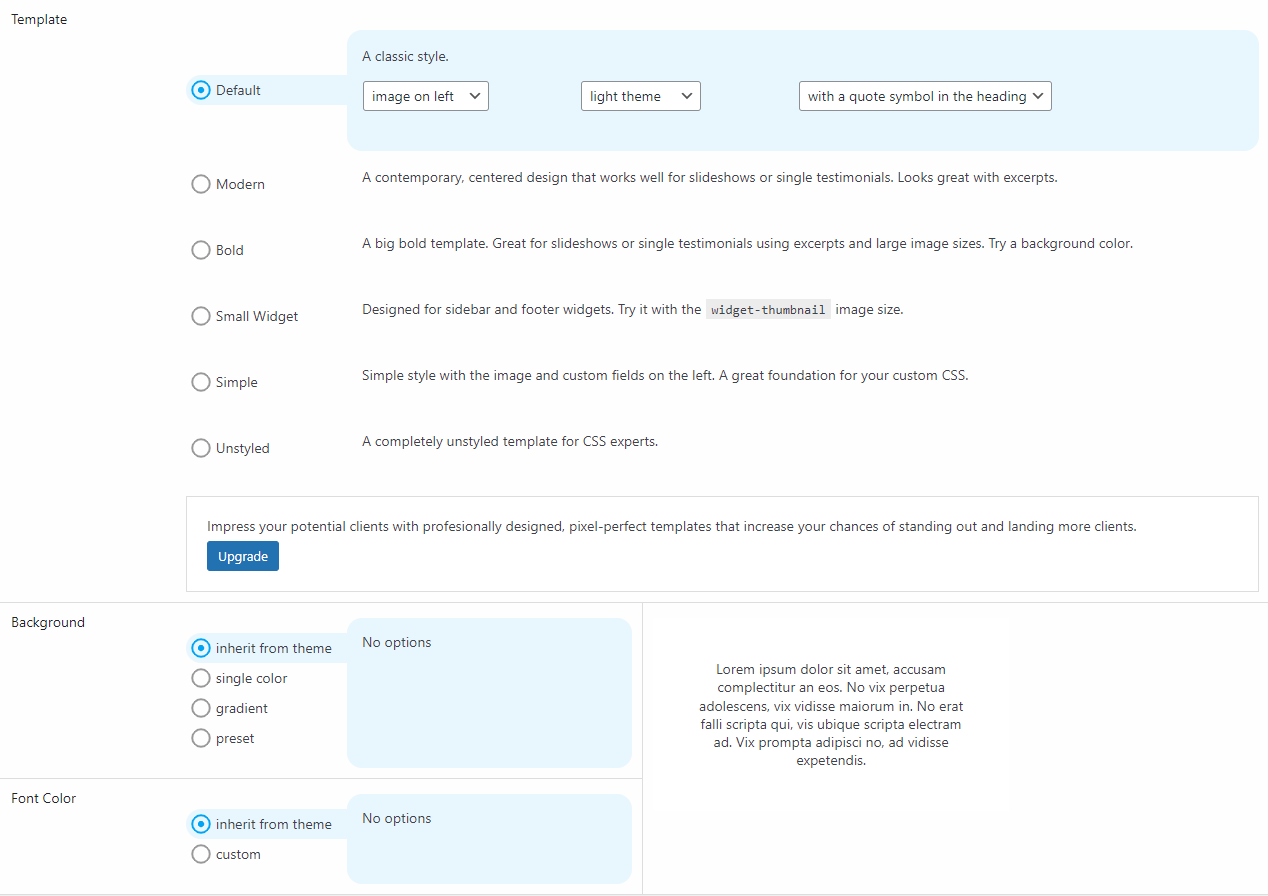
In the Style section you have the following options:
- Template – choose the template you want to be assigned to the testimonials. If you want to use other templates than the ones available you can upgrade ourp lugin and use the Strong Testimonials Pro Templates extension. This extension comes with a number of pre-designed and easy-to-use testimonial templates that you can use on your website right away.
- Background – choose between a single color, gradient, preset or inherit from theme
- Font color – here you can set a custom color or let the font color inherited by the theme
In order for your users to reach the single testimonial page you need to follow some steps. First you need to go to your WordPress dashboard > Views > edit your General Listing View > Fields > check the ‘Title’ field > Link to testimonial: Full testimonial > Save changes.
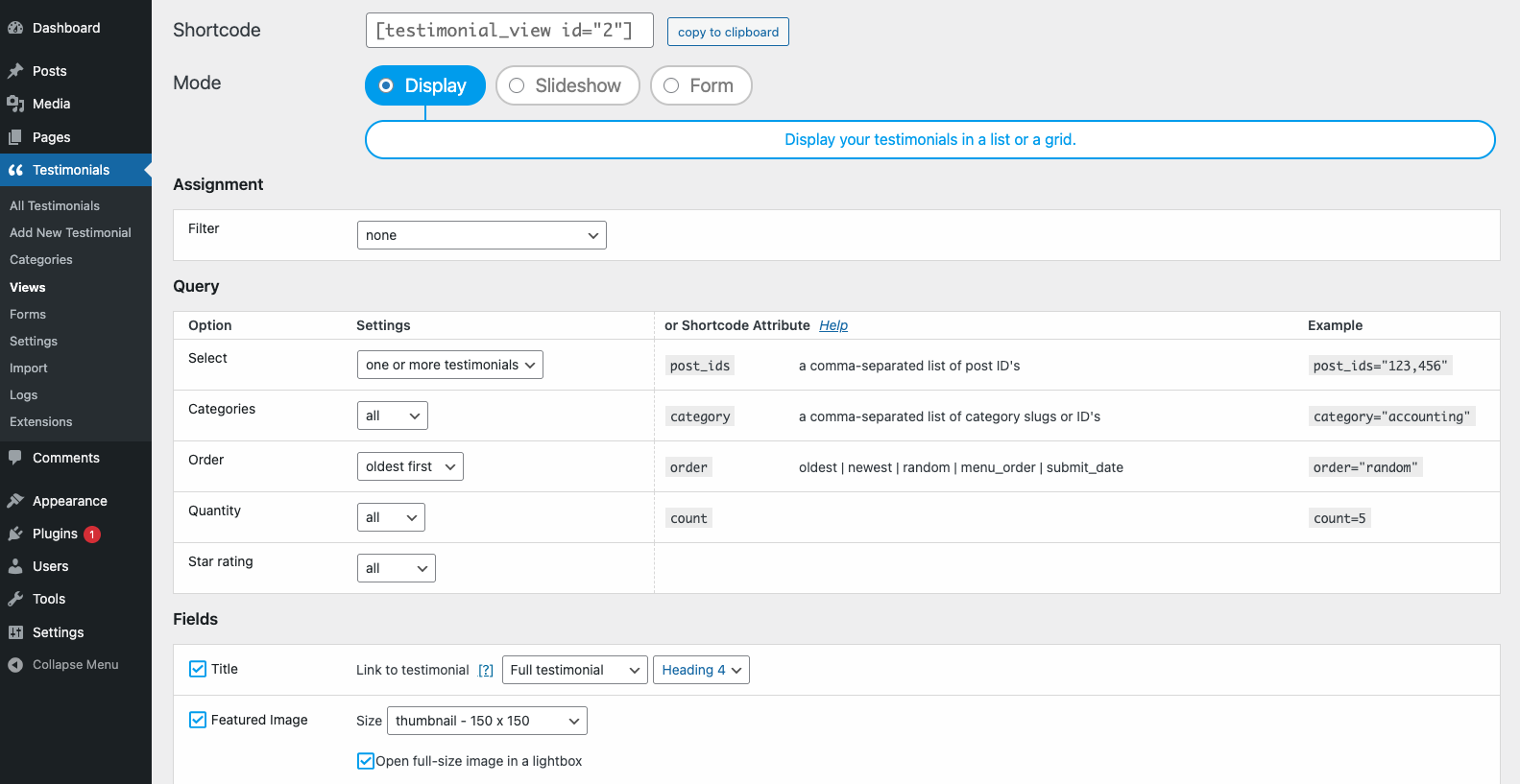
After this you need to copy the shortcode of your View and go to your WordPress dashboard > Pages > Add New or edit a page you have > paste the shortcode of your view.
The testimonials will be displayed like this:
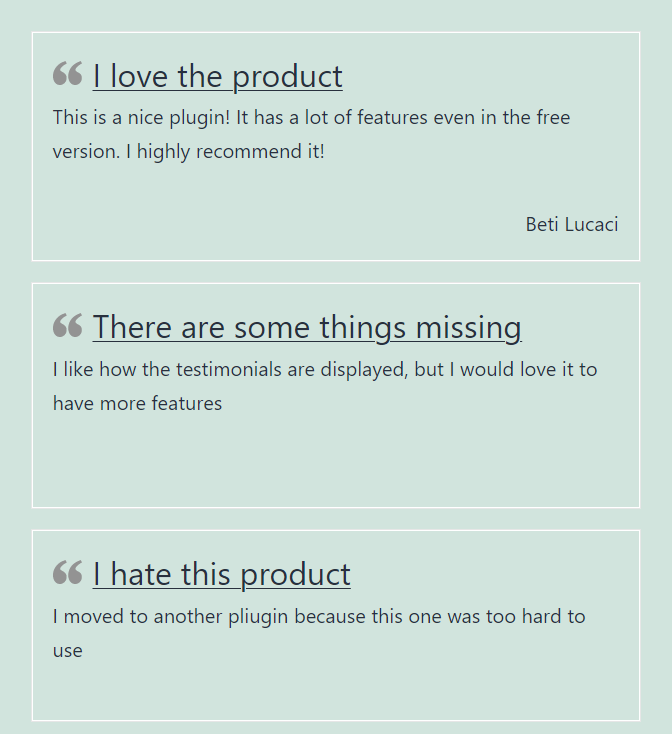
In the example above I used the Default template with the background and font color inherited from the theme.
If I click on the tile of one of my testimonials I will be redirected to the single testimonial page.
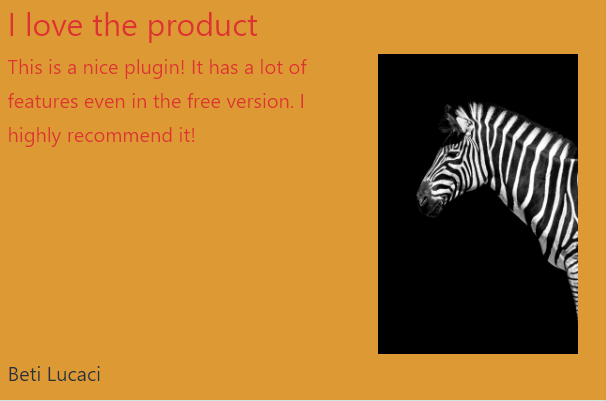
In this example I used for the single testimonial page a Small Widget template, I enabled the Featured image option, I set the background color to orange and the font color to red.