Easily assign custom fields to a testimonial view if you want to add extra fields to your testimonial submission forms and optionally display this alongside testimonials on your website.
How to activate it?
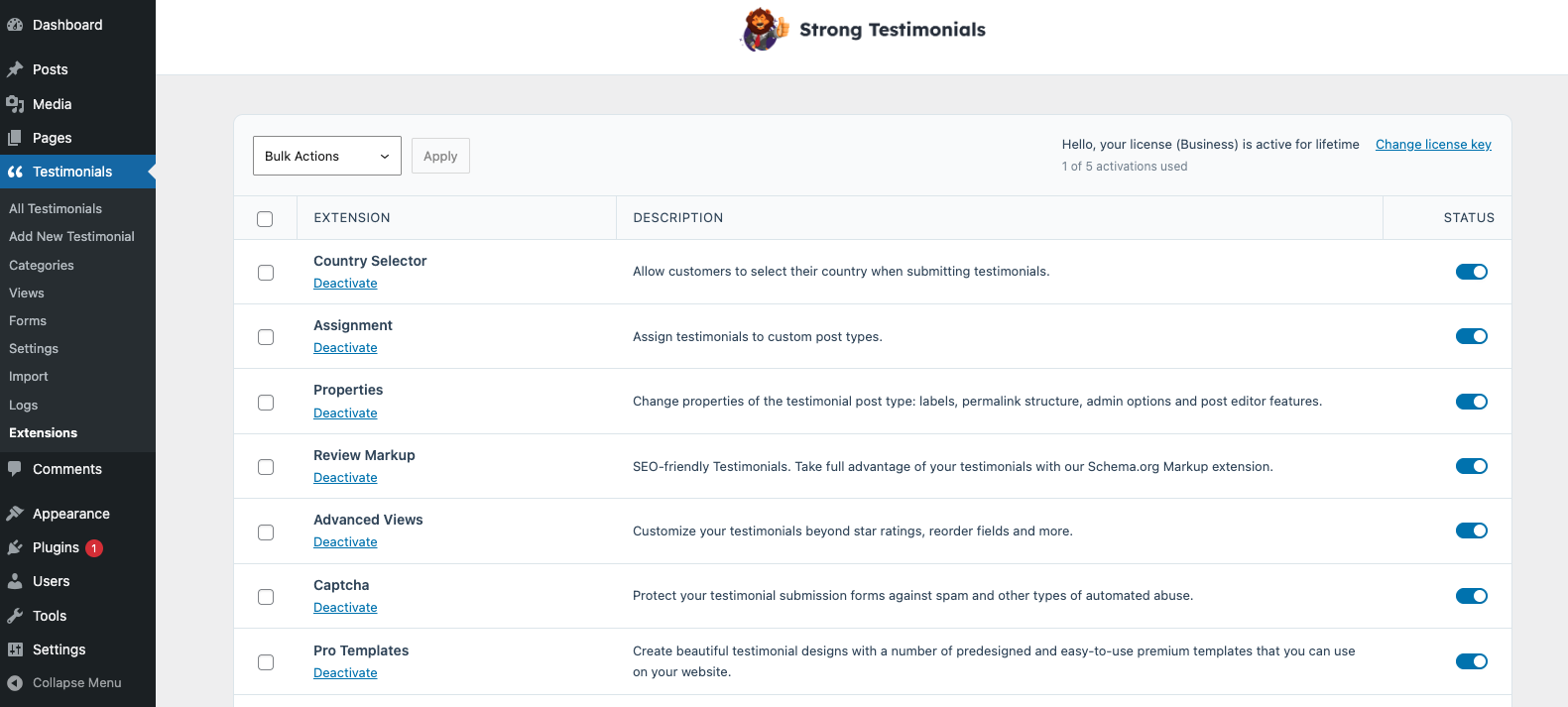
The Strong Testimonials Custom Field extension is a premium extension. In order to activate it, you will need to make sure that you have Strong Testimonials Pro installed and enabled, then also make sure that your license key is activated from Testimonials > Extensions. After confirming this, you only need to use the status switch from the extensions table to enable the feature.
How to use it?
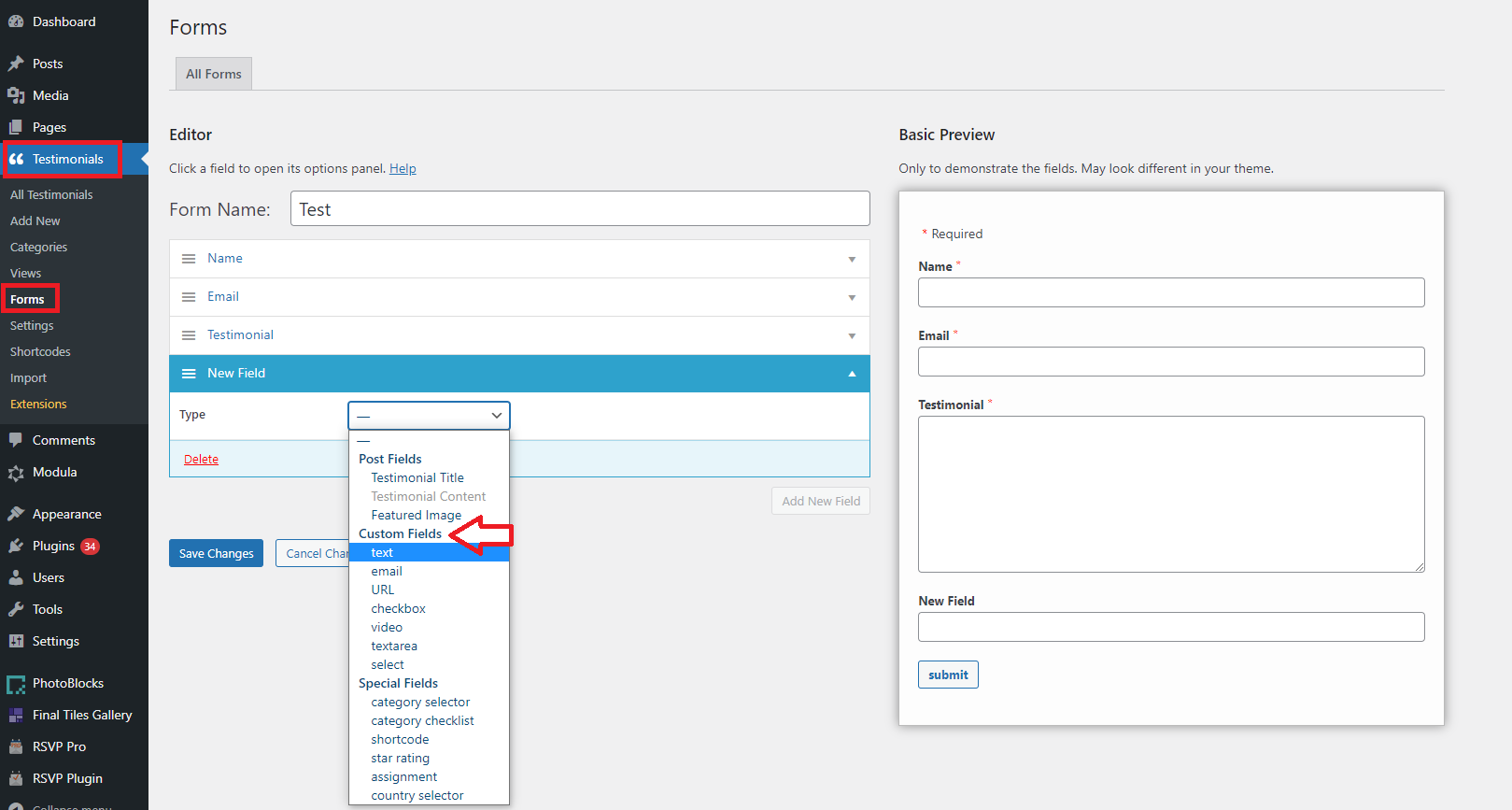
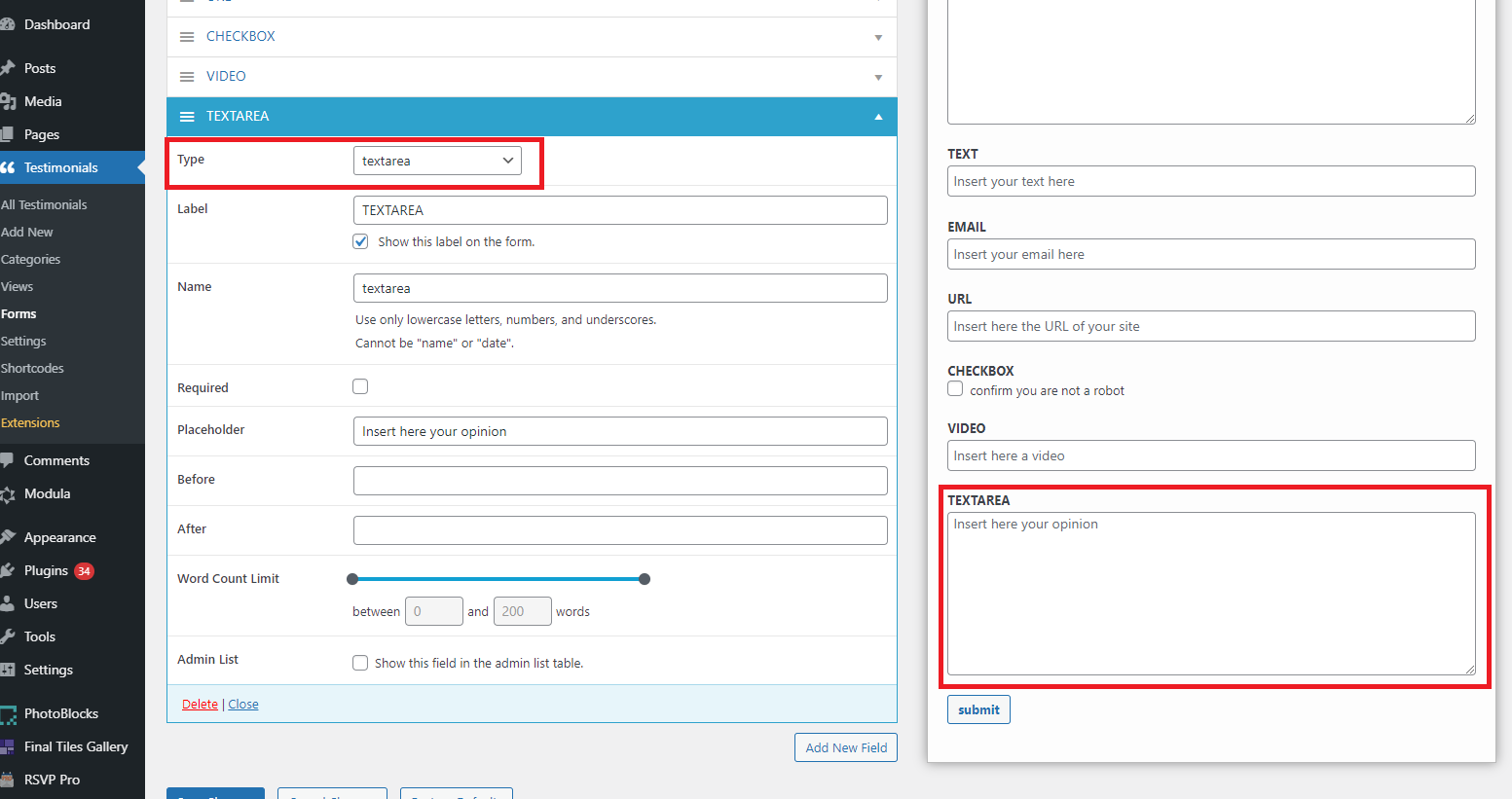
To use and enable it go to Testimonials > Forms > Add New > give a name to your Form > click on Add New Field > Type > Custom Fields > select from the list what type you need. There are multiple types:
- Text
- URL
- Checkbox
- Video
- Textarea
- Select
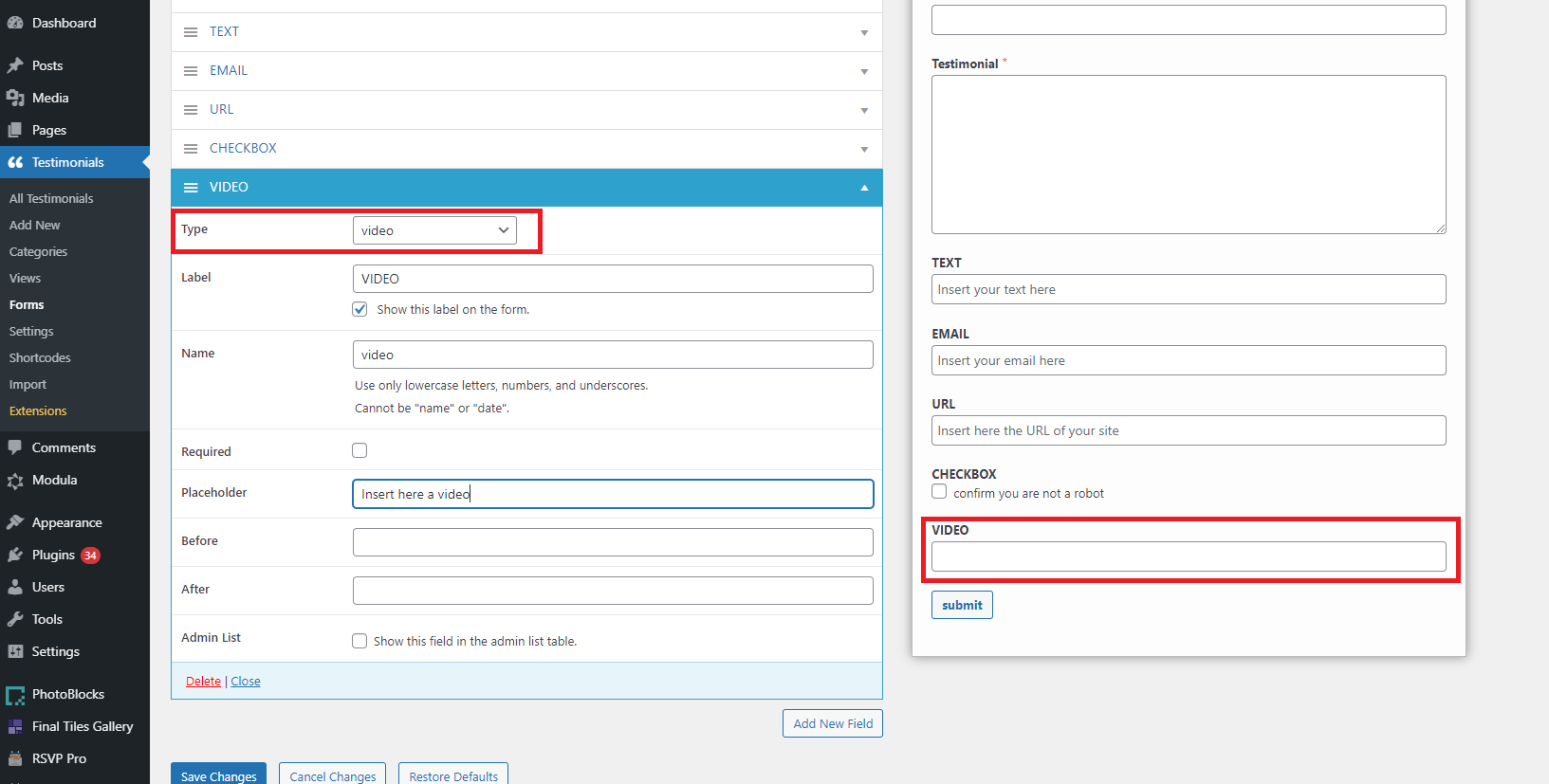
Video type
Users will be able to add a video in the form.
Textarea type
This field will offer users enough space for users to leave an extended testimonial.
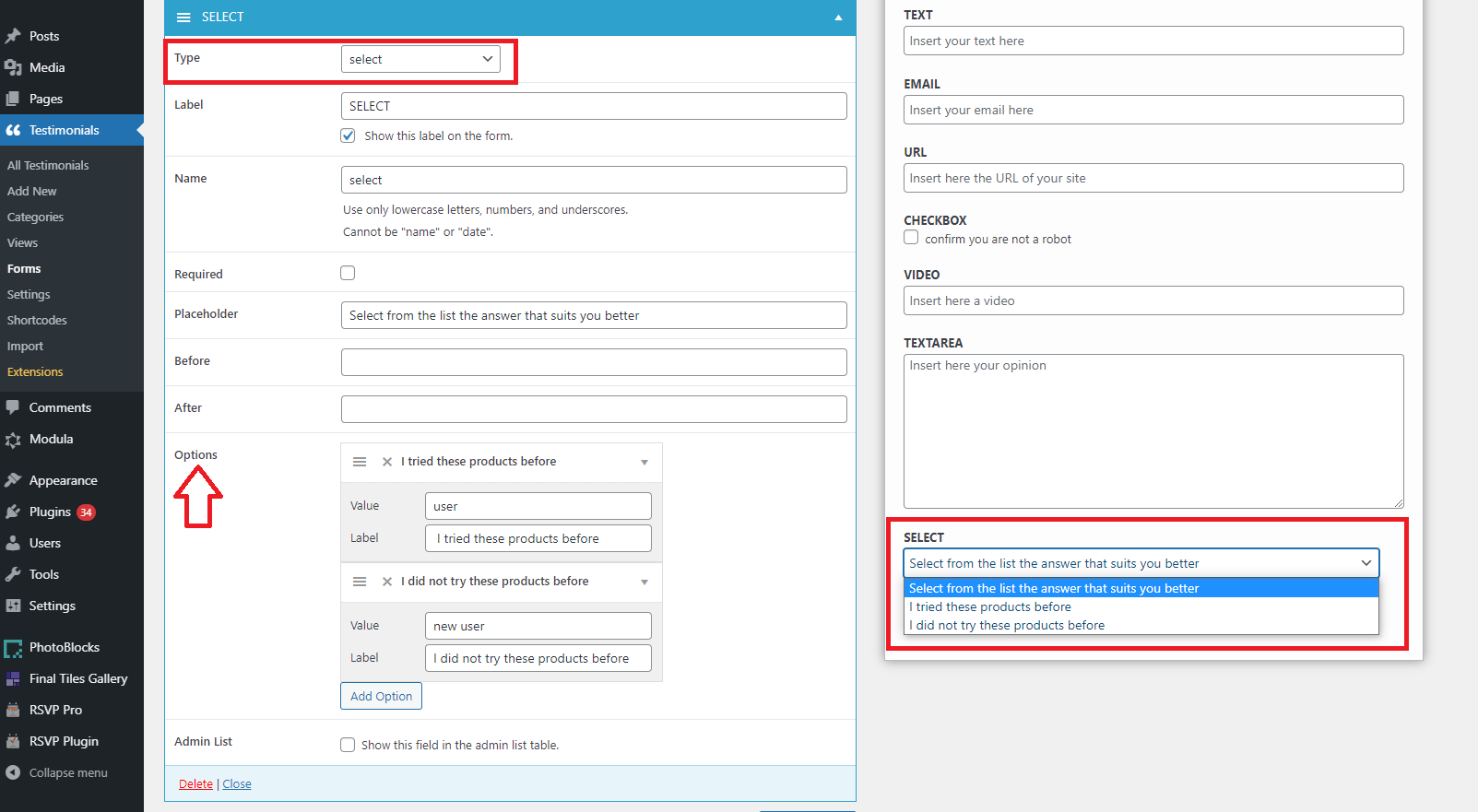
Select type
This field offers the possibility of creating a list from where users will choose the answer which suits them best. To create the list you need to scroll down to Options > Add option > insert a text at Value and also one at Label > repeat adding options until you have all possible choices in the form.