The Strong Testimonials Advanced Control add-on allows you to take full control of your testimonials and how you want them to appear on your website.
How to activate it?
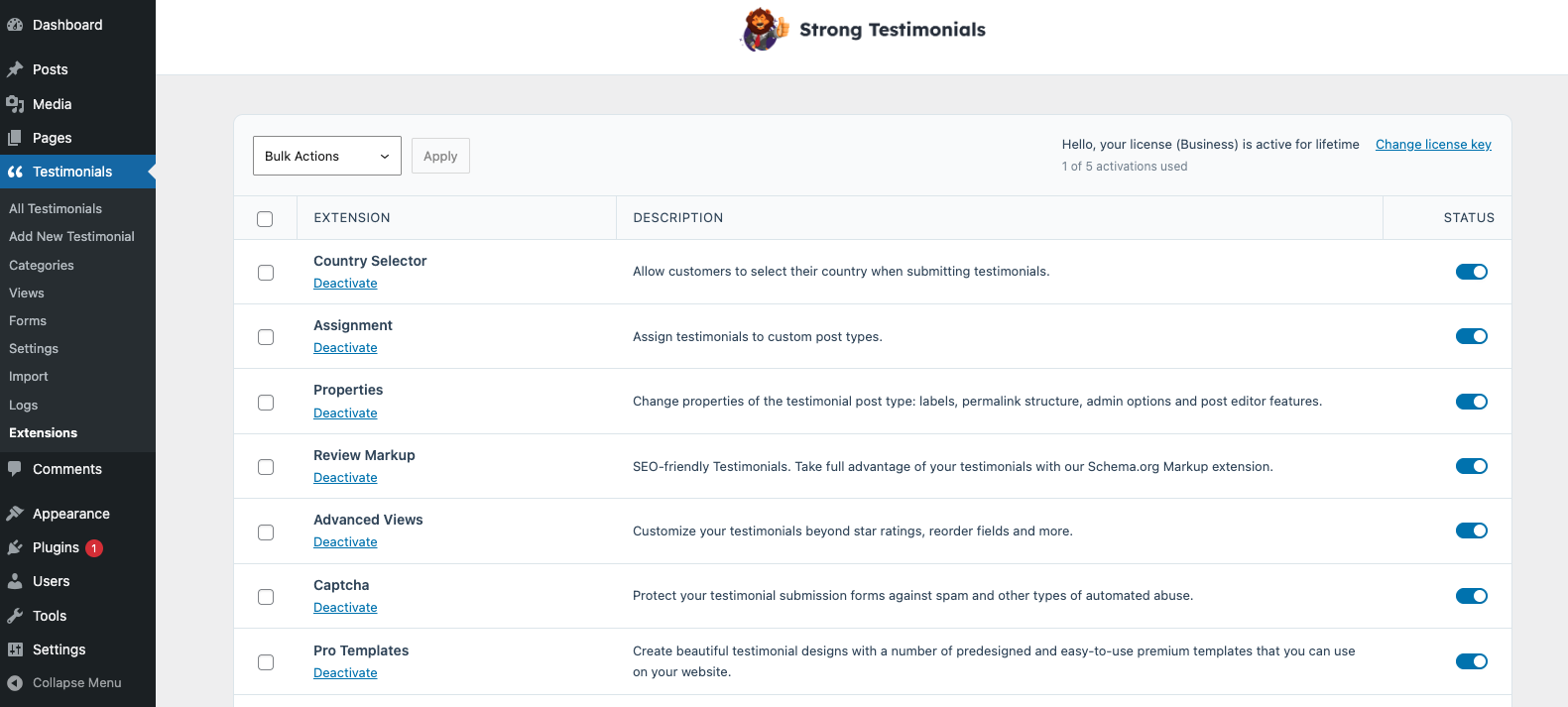
The Strong Testimonials Advanced Control extension is a premium extension. In order to activate it, you will need to make sure that you have Strong Testimonials Pro installed and enabled, then also make sure that your license key is activated from Testimonials > Extensions. After confirming this, you only need to use the status switch from the extensions table to enable the feature.
How to use it?
To use and enable it, go to Testimonials > Settings > Advanced Controls. You will see the followings:
- Admin Options
- Labels
- Posts
- Categories
- Editor Permissions
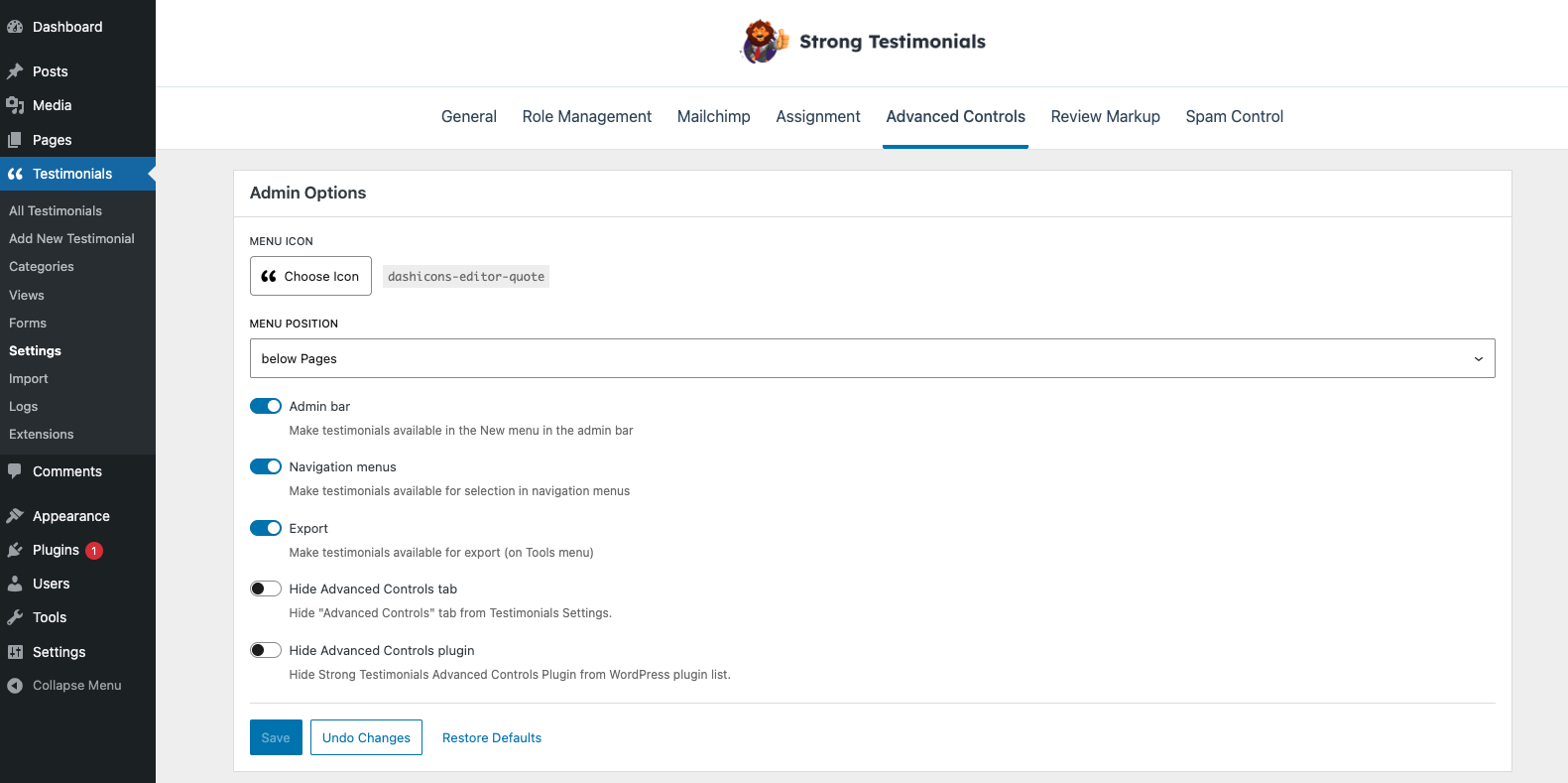
Admin Options
In this section, you can choose the testimonials’ menu icon, its position, you can make testimonials available in the ‘New’ menu in the admin bar, and also make them available for export.
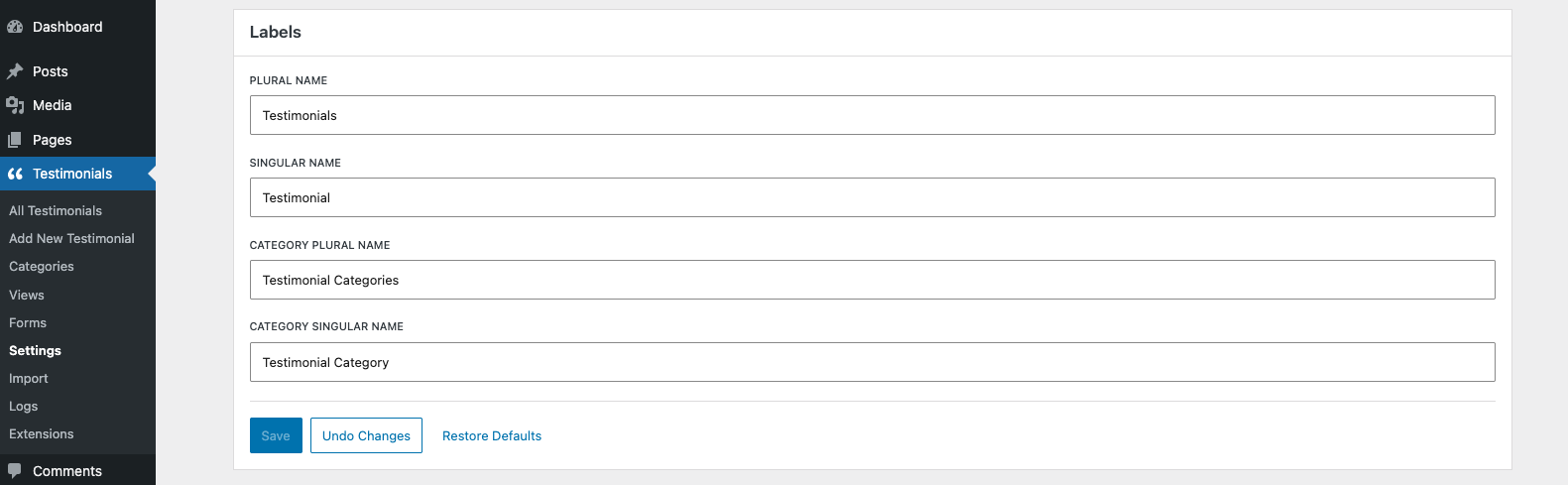
Labels
In this section, you will be able to change Primary Labels, Post Labels, Categories Labels.
Posts
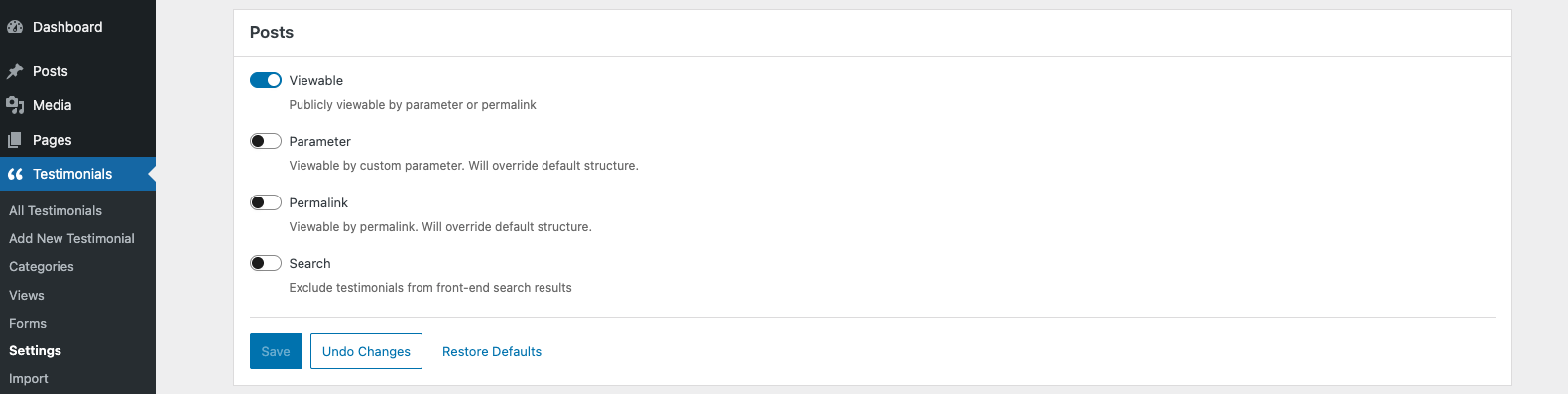
You can change if they can be viewable by parameter/permalink change the slug, archive page, or exclude testimonials from front-end search results.
Categories
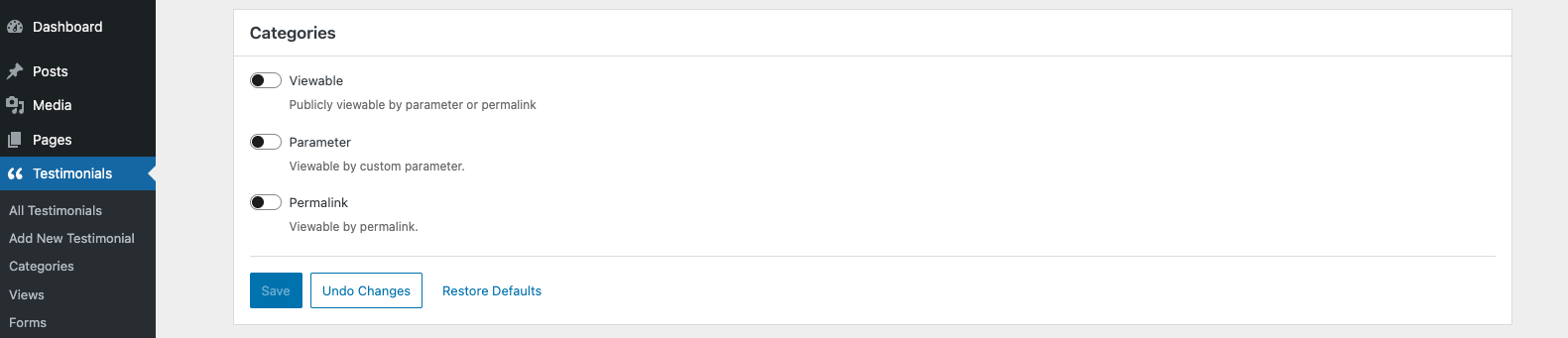
You can set if it can be publicly viewable by parameter/permalink, change the slug and use hierarchical URL structure for subcategories.
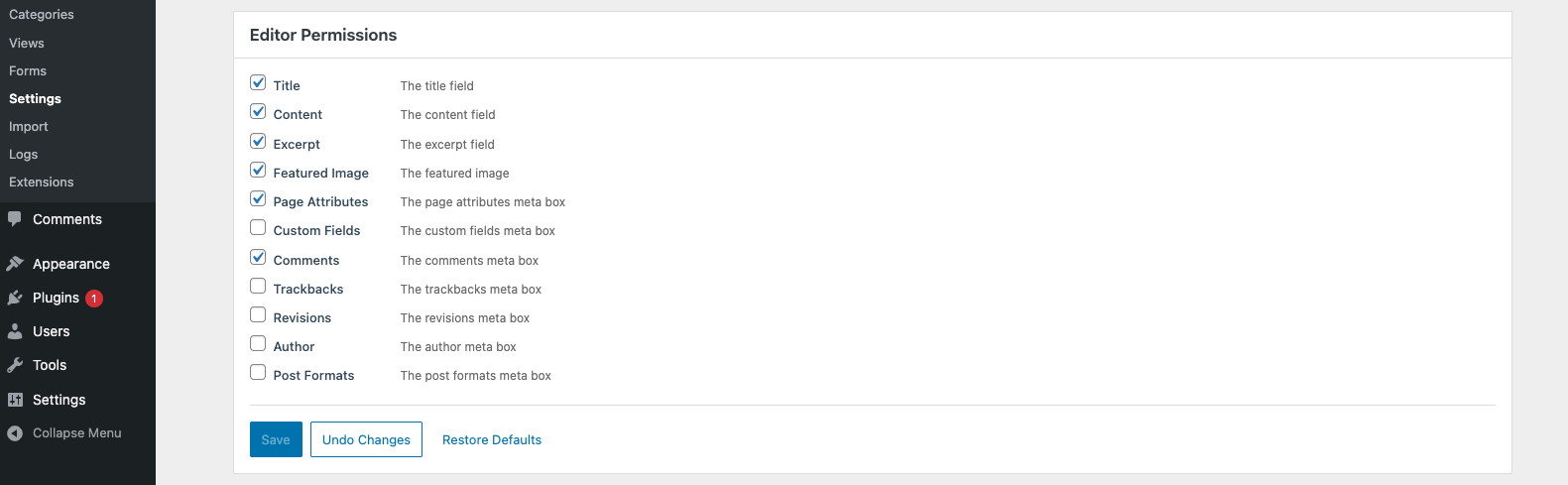
Editor Permissions
Using these settings, you will be able to make certain fields and meta boxes available for editors.